DOM + EVENTS + PROJECT – JavaScript Day 2
🚀 DAY 2: DOM EVENTS PROJECTDOM EVENTS PROJECT What is the DOM? DOM (Document Object Model) = how JavaScript “sees” your HTML. 👉 It lets you: 🔍 1. Selecting Elements Other ways: ✏️ 2....
🚀 DAY 2: DOM EVENTS PROJECTDOM EVENTS PROJECT What is the DOM? DOM (Document Object Model) = how JavaScript “sees” your HTML. 👉 It lets you: 🔍 1. Selecting Elements Other ways: ✏️ 2....

🟢 LESSON 4 PRACTICAL — Display & Layout 🎯 Goal Understand: CORE IDEA Every HTML element has a default display type: 1. Block elements Examples: 2. Inline elements Examples: 🧑💻 STEP 1: Test Display...
🟢 LESSON 3 PRACTICAL — Box Model (Spacing Like a Pro) 🎯 Goal You will understand: FIRST: Understand This (CRITICAL) Every element is a box: 👉 Most beginners mess up here — this is...
🟢 LESSON 2 PRACTICAL — Colors, Backgrounds & Card Design 🎯 Goal You will learn: 🧾 STEP 1: Update Your HTML Replace your index.html with this: 🎨 STEP 2: Style Background Update style.css: 👉...
Great—this is exactly the best way to learn JavaScript: step-by-step + building real projects. I’ll guide you like a mentor from beginner → professional level, with a clear roadmap and projects at each stage....

This is the perfect way to cement your knowledge. Instead of just reading about tags, you are now going to use them to build a Portfolio Resume. This is the first thing a recruiter...

Data attributes allow us to create our own custom attributes on any HTML element. They always start with the prefix data- 1. Why do we need them? Imagine you are building a list of...
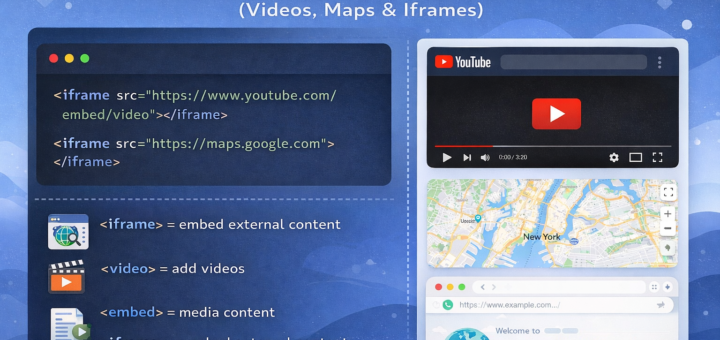
Sometimes, you don’t want to write everything out. Sometimes, a video tutorial or an interactive map is exactly what a “learner” needs. In HTML, we use Embed tags and Iframes to bring outside content...
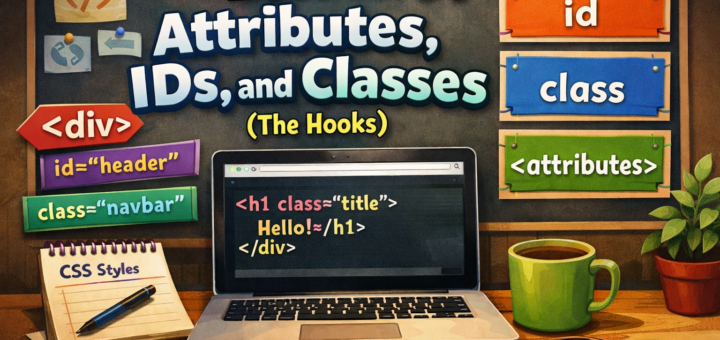
Attributes provide extra information about an HTML element. Some attributes are specific to certain tags (like src for images), while ID and Class can be used on almost any tag. 1. What is an...
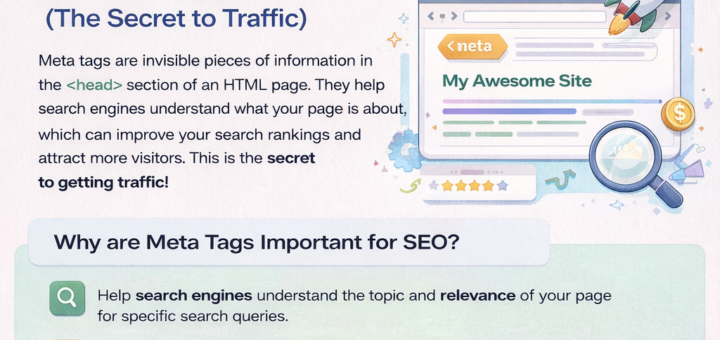
When you share a link on X (Twitter) or Facebook and it shows a nice image and a description, that isn’t magic—it’s Meta Tags. These tags live in the <head> and tell the rest...