Lesson 3: Text Basics (Headings and Paragraphs)
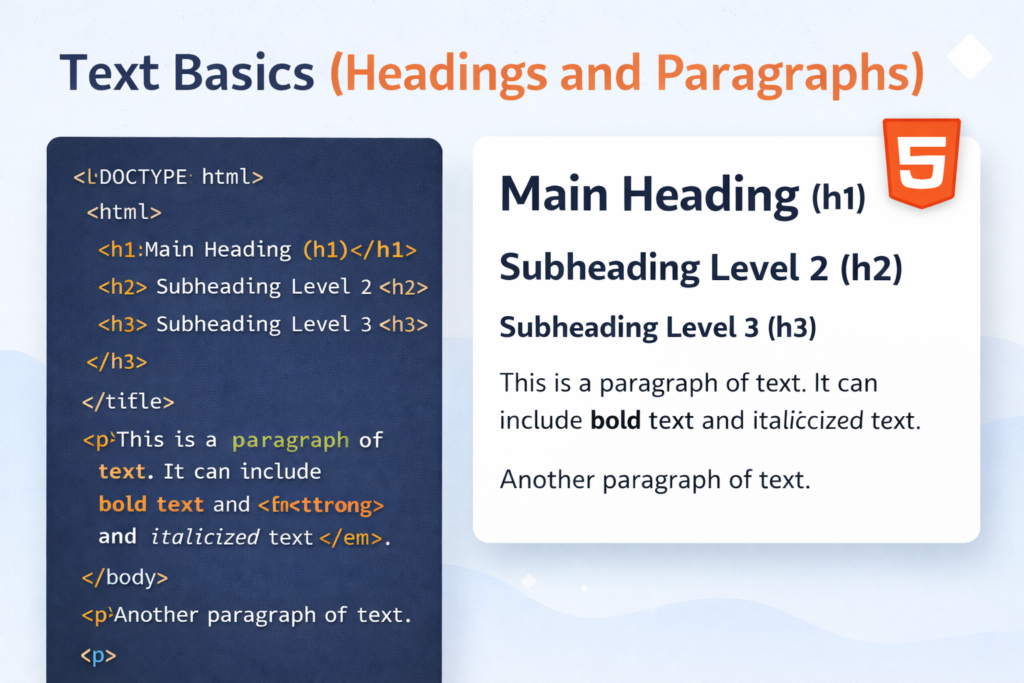
When you write a document in Microsoft Word, you use different font sizes to show what is a title and what is a body of text. In HTML, we do this using Semantic Tags.
1. The Heading Tags (<h1> to <h6>)
HTML gives us six levels of headings. Think of them like an outline for a book.
<h1>: The Main Title. You should only have one<h1>per page. (Crucial for SEO!)<h2>: The Chapters. Use these for your main sections.<h3>to<h6>: The Sub-sections. These get smaller as the number gets higher.
The Code:
<h1>The Ultimate Guide to PHP</h1>
<h2>Chapter 1: Getting Started</h2>
<h3>Installation</h3>
<h4>Setting up XAMPP</h4>2. The Paragraph Tag (<p>)
For regular text, we use the <p> tag. Browsers automatically add a little bit of space (a margin) above and below a paragraph to make it easy to read.
The Code:
<p>Welcome to Coding Learners! This is a paragraph of text where we explain how the web works.</p>
<p>Every time you start a new paragraph tag, the text will start on a fresh line.</p>3. Making Text Stand Out (<strong> and <em>)
In the old days of HTML, people used <b> for bold and <i> for italic. Today, we use “Semantic” versions that tell search engines and screen readers that the text is important.
<strong>: Makes text bold and tells the browser it has “strong importance.”<em>: Makes text italic and adds “emphasis.”
The Code:
<p>It is <strong>very important</strong> to practice every day.</p>
<p>I <em>really</em> love learning PHP at Coding Learners.</p>🛠️ Practice Task: Create a Mini-Article
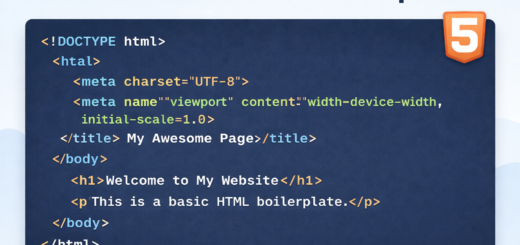
Let’s use your boilerplate from Lesson 2 and fill the <body> section with an actual article. Copy and paste this into your file:
<body>
    <h1>My Coding Journey</h1>

    <h2>Why I started</h2>
    <p>I want to build <strong>CodingLearners.com</strong> to help people around the world learn technical skills.</p>

    <h2>My Goals</h2>
    <p>By the end of this month, I will master:</p>
    <p><em>HTML, CSS, and basic PHP.</em></p>
</body>

1 Response
[…] Previous […]