Lesson 4: Lists & Links (Building the Web)
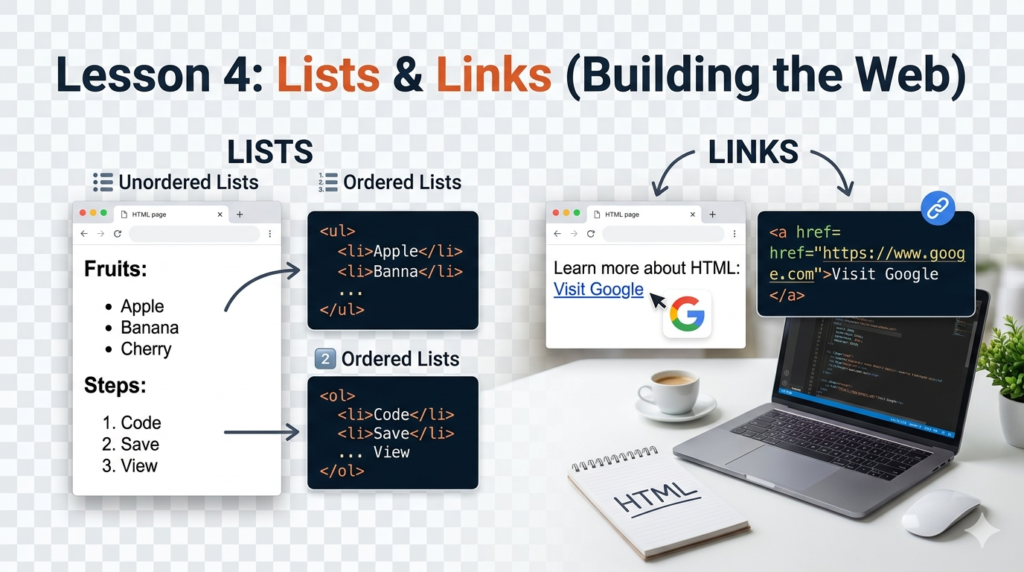
1. HTML Lists: Ordered vs. Unordered
There are two main types of lists you will use in almost every tutorial.
Unordered Lists (<ul>)
Use these for bullet points where the order doesn’t strictly matter (like a list of features).
<ul>: The container for the “Unordered List.”<li>: The “List Item” inside.
The Code:
<h3>Tools for PHP Developers:</h3>
<ul>
    <li>Visual Studio Code</li>
    <li>XAMPP</li>
    <li>A Web Browser</li>
</ul>
Ordered Lists (<ol>)
Use these for step-by-step instructions where the sequence is important.
<ol>: The container for the “Ordered List.”<li>: The “List Item” inside (the browser automatically numbers these 1, 2, 3…).
The Code:
<h3>How to start your server:</h3>
<ol>
    <li>Open XAMPP Control Panel.</li>
    <li>Click "Start" next to Apache.</li>
    <li>Visit localhost in your browser.</li>
</ol>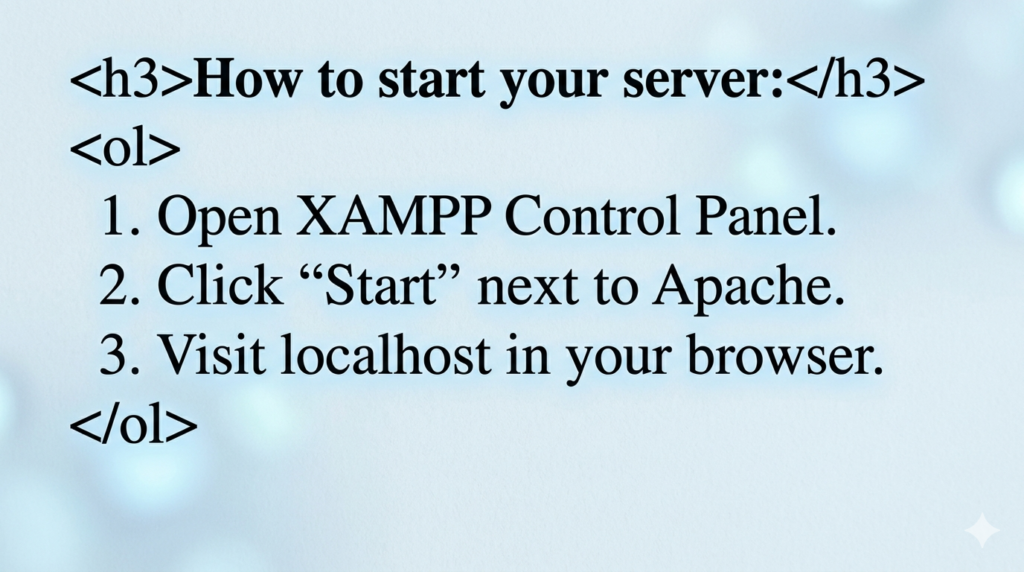
2. Hyperlinks: The <a> Tag
The <a> (Anchor) tag is what makes the “Web” a web. It requires an attribute called href (Hypertext Reference) to tell the browser where to go.
The Code:
<p>Check out our <a href="https://codinglearners.com">Home Page</a> for more tutorials!</p>Opening Links in a New Tab
If you want to link to another website but don’t want the user to leave your site, add target="_blank".
The Code:
<p>Read the <a href="https://php.net" target="_blank">Official PHP Manual</a>.</p>3. Creating a Navigation Menu
By combining <ul> and <a>, you can build a basic navigation menu for your website header!
The Code:
<nav>
    <ul>
        <li><a href="index.html">Home</a></li>
        <li><a href="html-tutorials.html">HTML Lessons</a></li>
        <li><a href="contact.html">Contact Us</a></li>
    </ul>
</nav>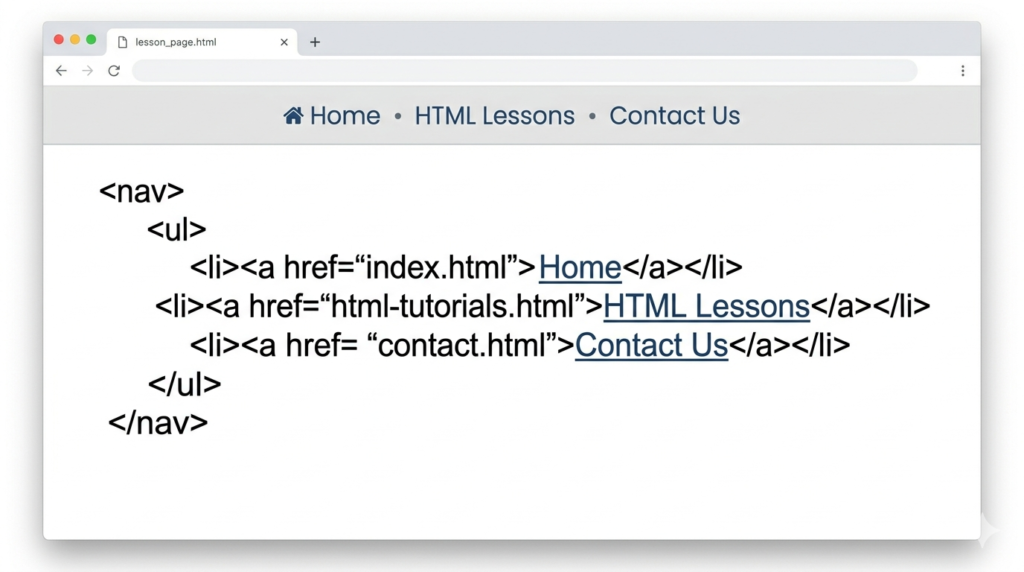
🛠️ Practice Task: Build a “Table of Contents”
1. Open your index.html file.
2. Inside the <body>, create an Unordered List.
3. Inside each <li>, create a link that points back to your own page (just use # for now if you don’t have other pages yet).
<h2>Lesson Navigation</h2>
<ul>
    <li><a href="#">Lesson 1: Introduction</a></li>
    <li><a href="#">Lesson 2: The Boilerplate</a></li>
    <li><a href="#">Lesson 3: Text Basics</a></li>
</ul>

2 Responses
[…] Previous Next […]
[…] Previous Next […]